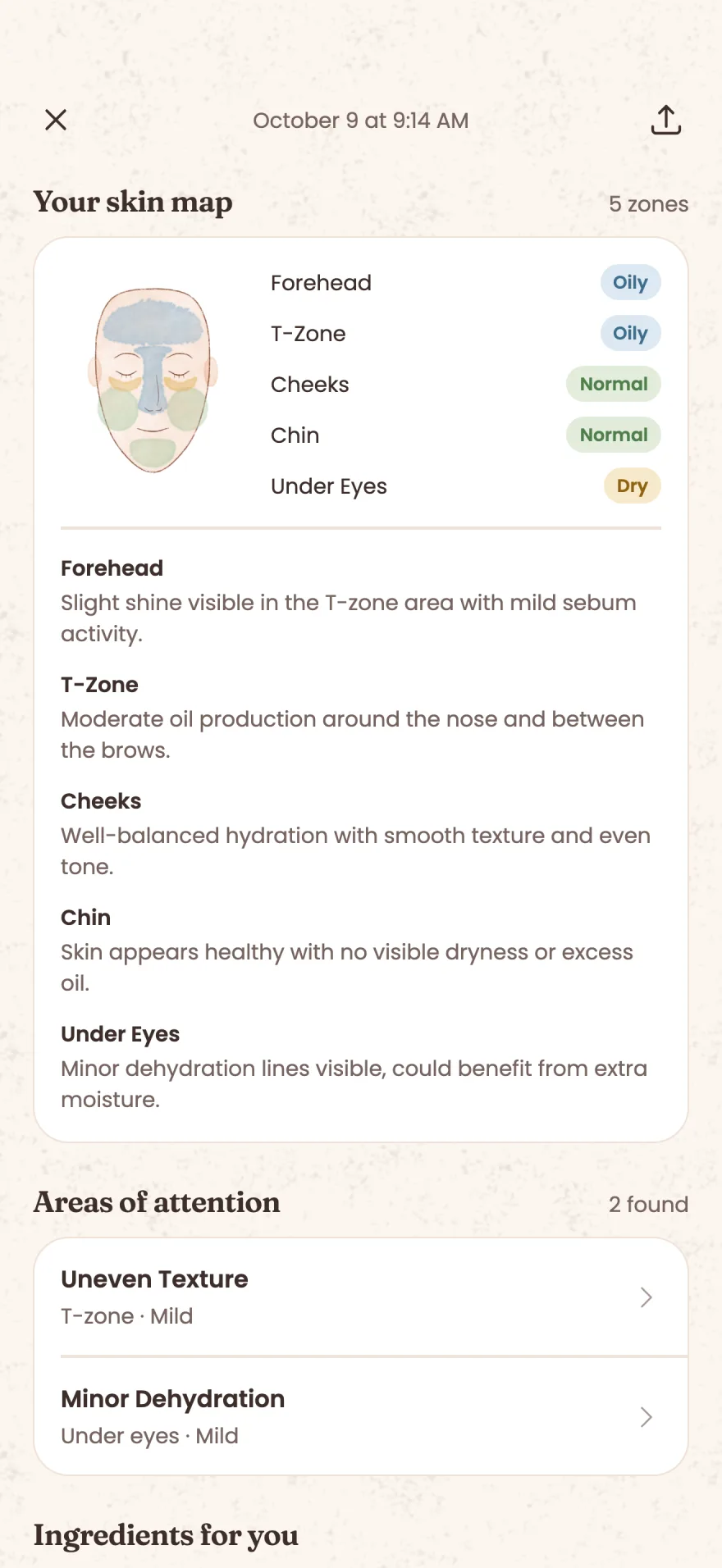
Skin map
Five zones, read one by one.
Forehead, T-zone, cheeks, chin and under-eyes each get their own reading, with a short description of what Skina saw there.


AI skin analysis
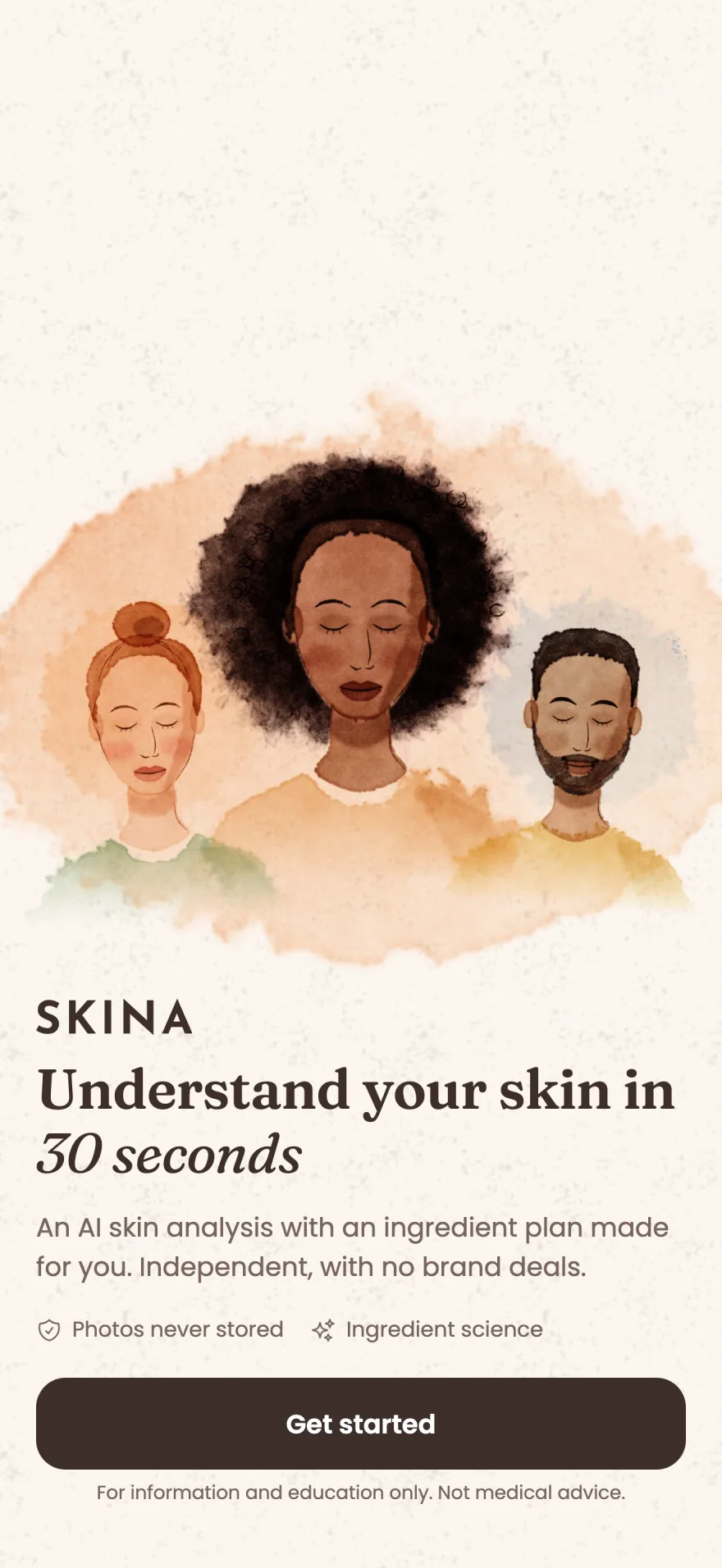
One selfie tells you your skin type, your skin score out of 100 and which ingredients to look for and which to avoid.
No account. Your first 2 scans are free.

How it works
Three steps from opening the app to your first result.
Skina asks about your goals, your age range, any known skin conditions and the ingredients your skin reacts to. Those ingredients are kept out of every recommendation.
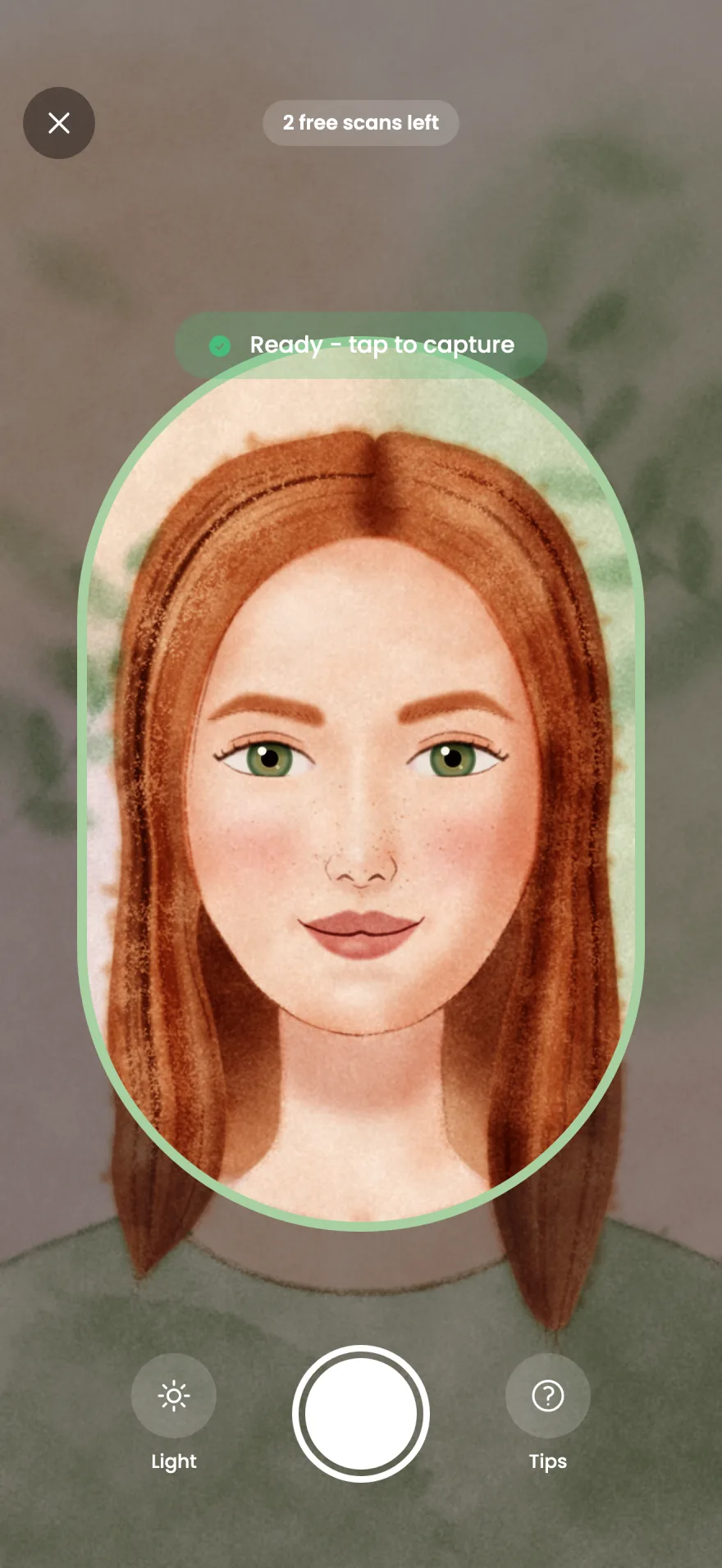
Hold your face inside the guide. The capture button becomes active once your face is in position.
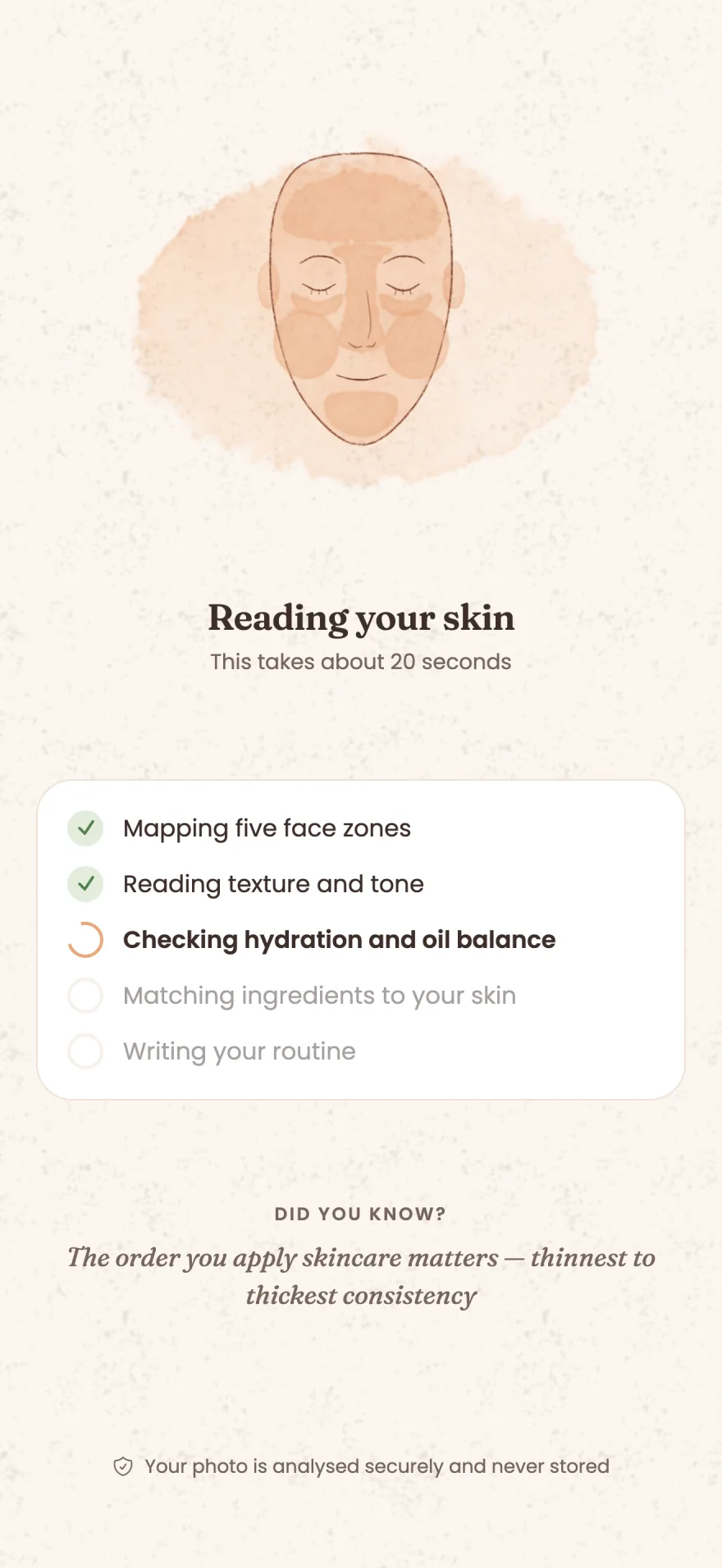
Skina reads five zones of your face and turns what it sees into a short, practical plan.
What a scan shows
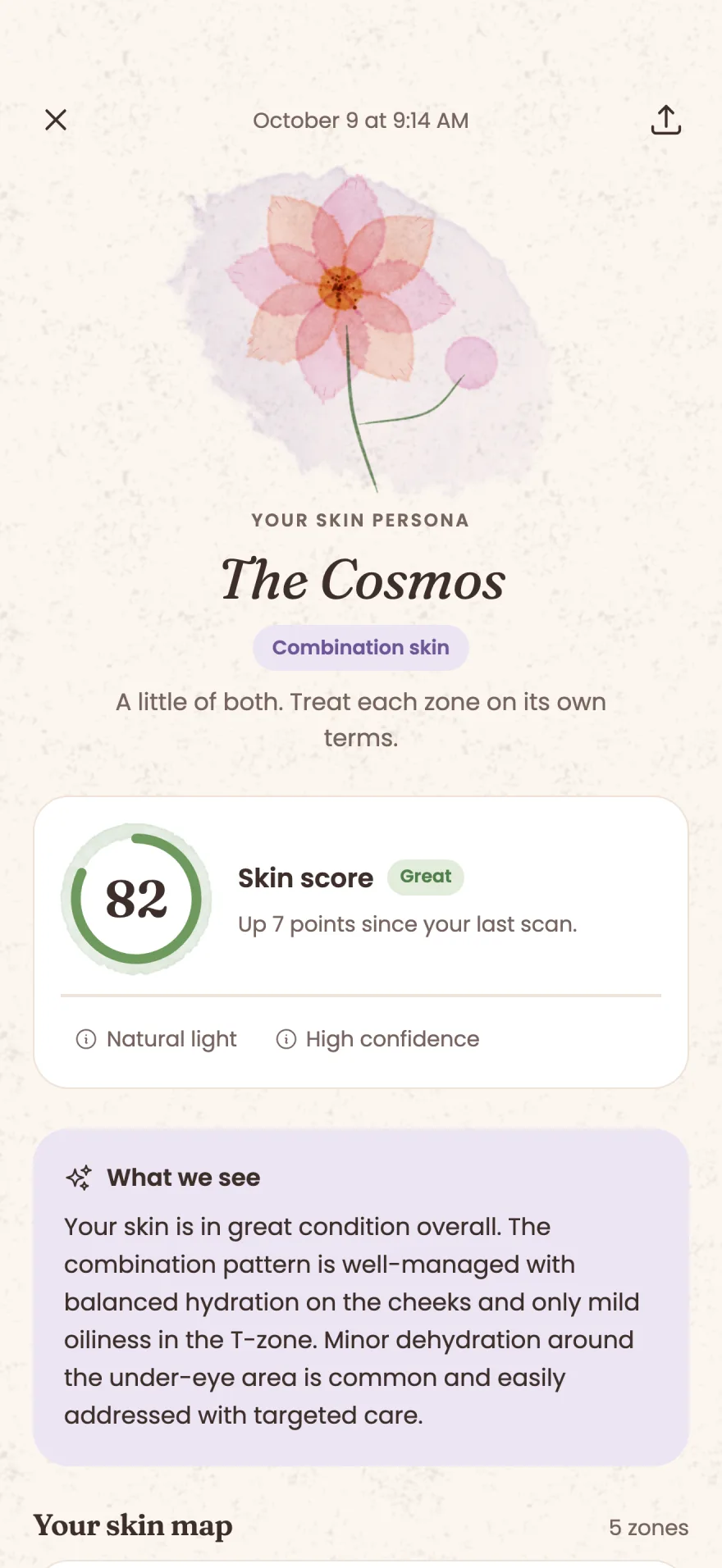
Every scan gives you a skin persona, a score, a map of five zones, areas of attention, ingredients and routine tips.
Every skin type has a flower. Your result opens with yours, next to a skin score out of 100 and a note on how the lighting and sharpness of the photo affected the reading.




Skin map
Forehead, T-zone, cheeks, chin and under-eyes each get their own reading, with a short description of what Skina saw there.
Areas of attention
Skina lists the concerns it sees and marks each one mild, moderate or severe. The first one is free; Skina Pro shows them all.

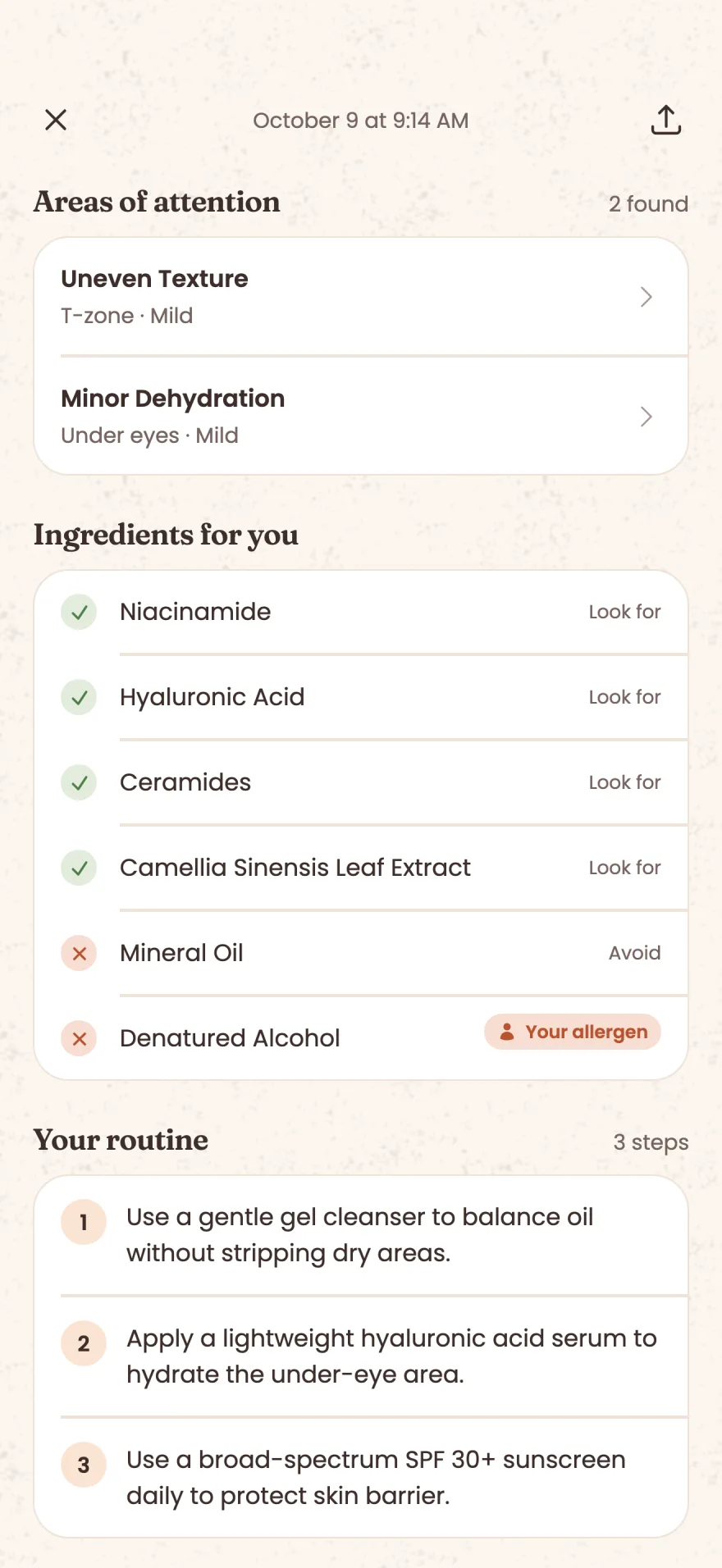
Ingredients
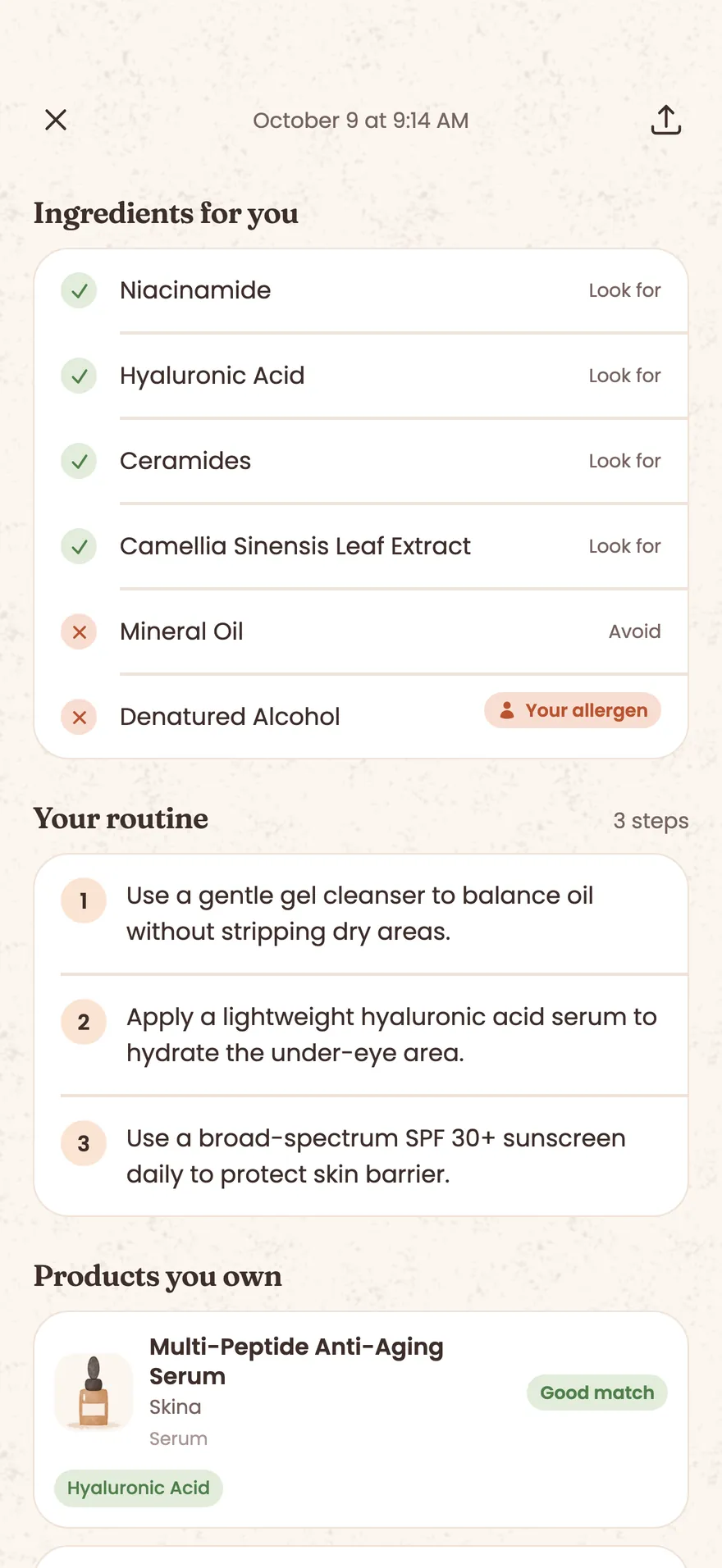
Two lists chosen for your skin and your sensitivities: the ingredients to look for and the ingredients to avoid. Both are complete on the free plan.
Routine
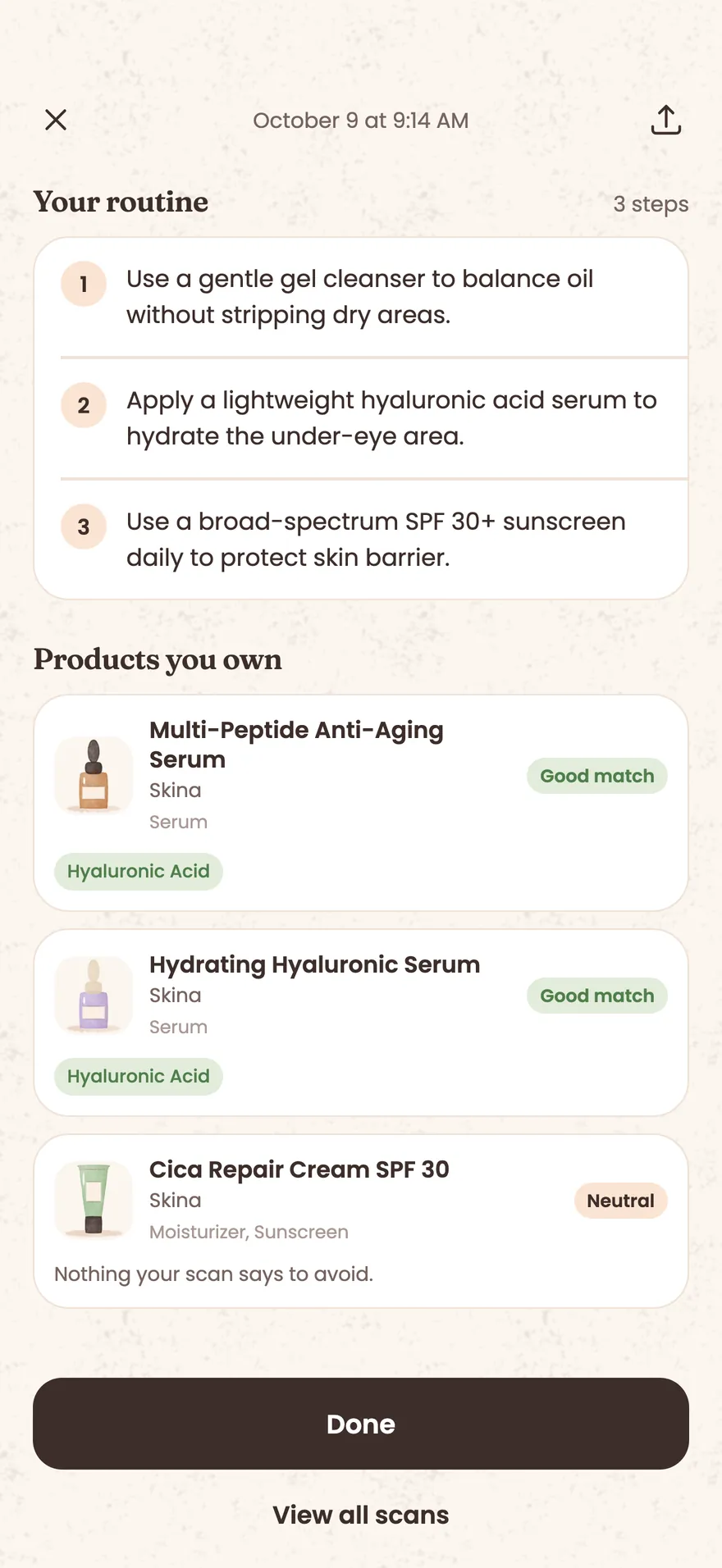
Each result ends with routine tips written for your skin. The first tip is free; Skina Pro shows your complete routine.

Between scans
My Shelf
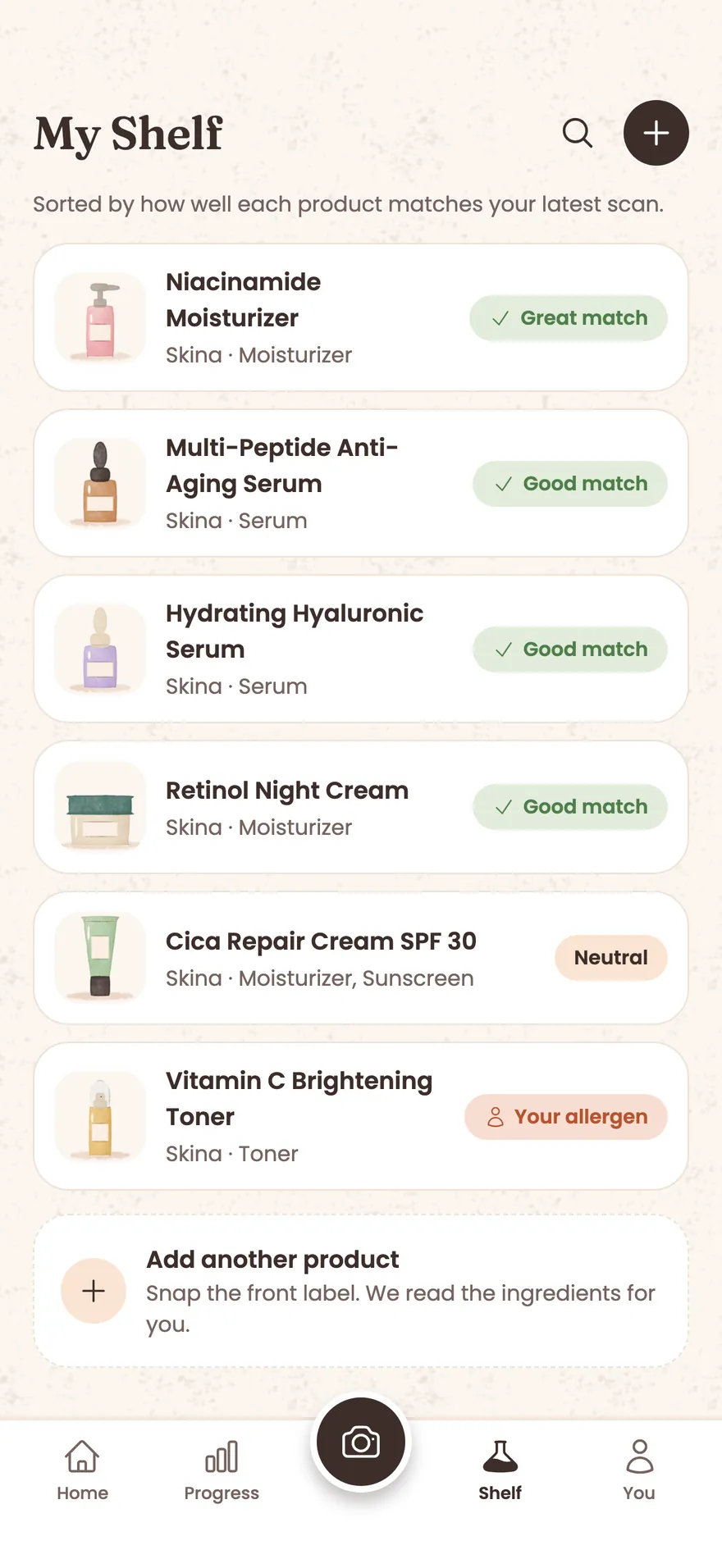
Photograph the skincare products you already own. Skina reads the ingredients, compares them with your latest scan and checks them for the ingredients you react to. Each product gets a verdict, from Great match to Check this one.
You give each product a painted icon: pick a shape and colors. The product photo is not kept.
My Shelf is part of Skina Pro.
Progress and reminders
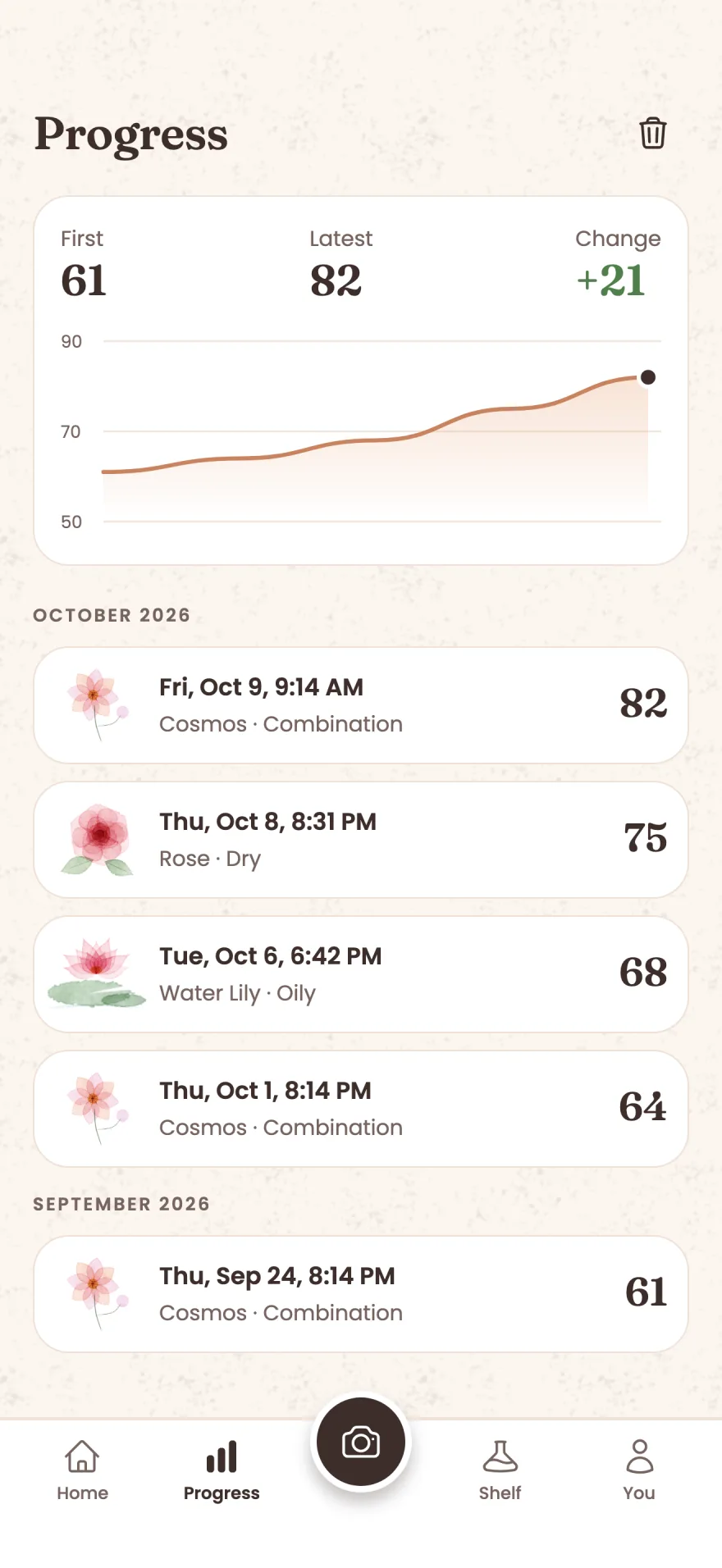
Each scan is saved to your history. The Progress tab draws your score over time and shows the change since your first scan.
If you like, set a reminder for a skin check-in (weekly, every 2 weeks or every 4 weeks) and for your morning and evening routine.
Privacy
Skina works without knowing who you are.
No email address and no password. You open the app and start.
Your selfie is analyzed securely and then deleted. It is not part of any backup.
Your scan results are encrypted on your phone before they are backed up. The key is kept in your iCloud Keychain on iPhone or in your Google account backup on Android, so your results come back after you reinstall the app or move to a new phone. You can switch the backup off in Settings.
Skina has no brand deals. Its guidance is based on your scan and on the answers you gave.
Pricing
Your first 2 scans are free and need no account.
2 skin scans. Each one includes:
Everything in Free, plus:
If you are eligible, you can try Skina Pro free for 7 days.
Skina Pro is an auto-renewing subscription. The price for your country is shown in the App Store and on Google Play before you subscribe, and you can cancel at any time in your store account settings.



Download Skina and take your first scan. No account, and your first 2 scans are free.
Available in English, Dutch, French, German, Italian and Spanish.
A question about Skina, or something in the app that does not work? Send an email to hello@easystreet.be.
Skina is for informational and educational purposes only. Its skin analysis, ingredient recommendations and routine tips are not medical advice, diagnosis or treatment, and do not replace a dermatologist or other qualified healthcare professional. If you have a skin condition or a concern about your skin, consult a dermatologist or your doctor.